Table of Contents
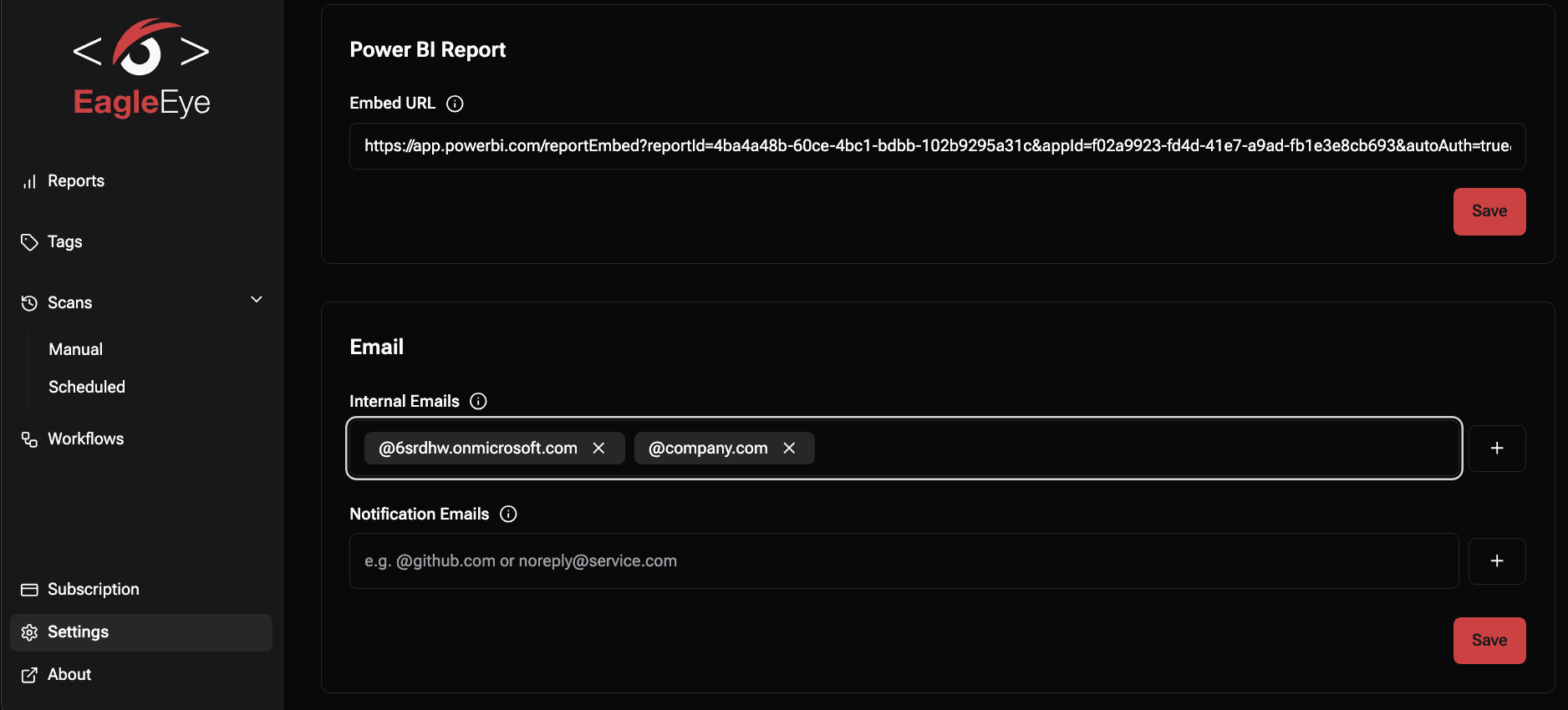
By default, EagleEye automatically adds all the tenant's email domains during the first deployment.
These domains help EagleEye identify internal users within your organization.
If your company uses multiple email domains, you can easily update this list at any time.
How to Manage Internal Email Domains
- Open the Portal
- Navigate to Settings → Internal Emails
- Add or remove domains as required